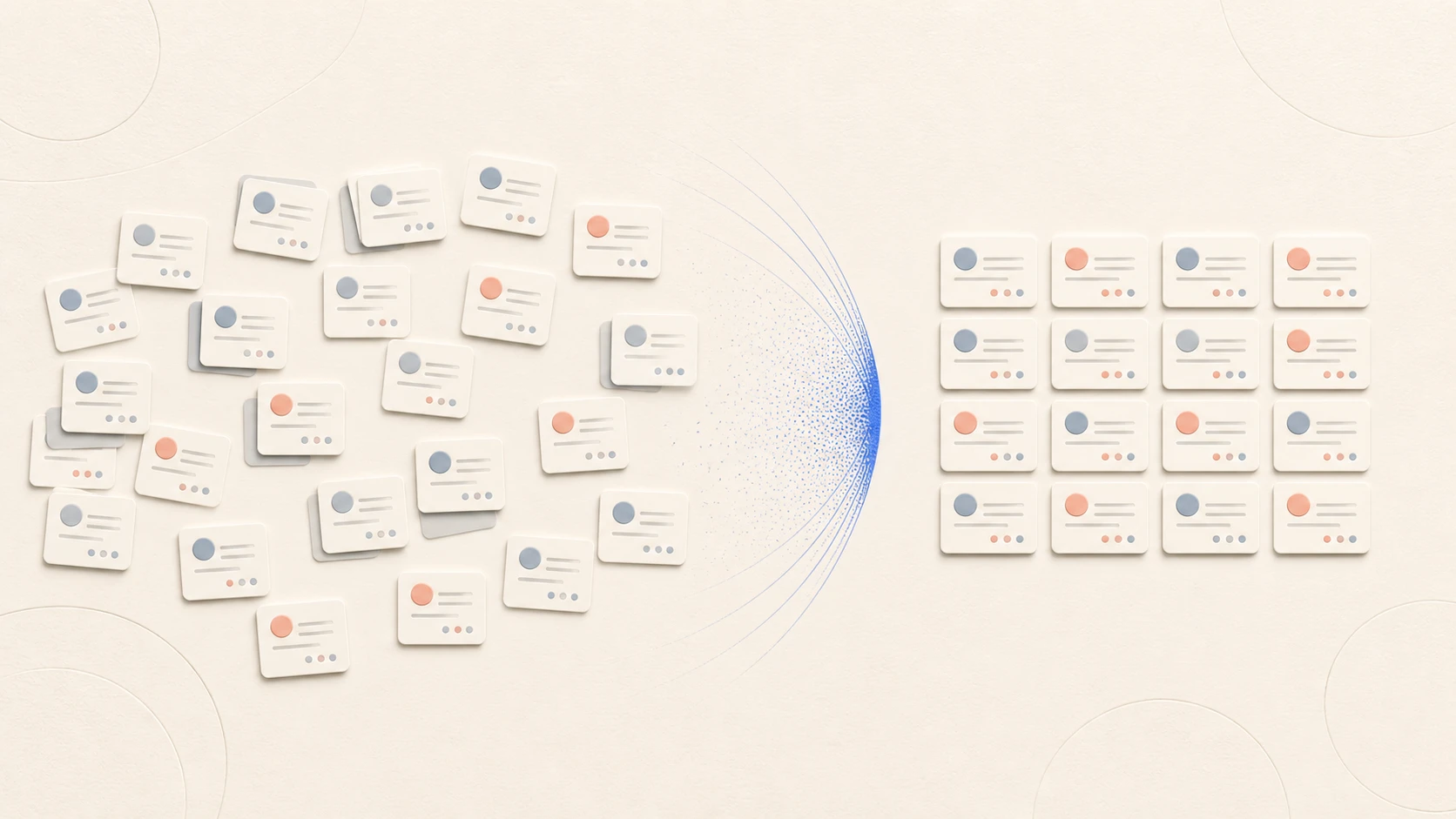
The business verdict is simple: do not enrich a dirty CRM export in place. First turn it into a reviewable dataset where identity, field authority, exclusions, proposed values, and acceptance decisions are visible. If the team cannot show that control layer, more data will increase ambiguity rather than pipeline readiness.
CRM hygiene is not a request to make every row complete. It is the control work that lets a team answer four questions before an enrichment job runs:
- Which real company or person does this record represent?
- Is the record eligible for this specific use?
- Which incoming values may be written, and which must remain untouched?
- Can the team explain and reverse every change afterwards?
If those answers are missing, enrichment can add plausible values to the wrong account, revive a suppressed contact, or replace a reviewed field with a newer-looking but less useful one. A safe process therefore begins with the intended decision—not with a provider, a credit budget, or an empty-column count.
This operating procedure is designed for RevOps teams preparing a defined CRM segment for enrichment. The example thresholds are deliberately concrete so they can be tested; adjust them to the cost and risk of your own workflow before seeing the results.
The proof path: one governed batch before any activation
A credible export-risk review should end with evidence, not a promise to “clean everything.” Applied to a representative CRM segment, it should produce:
- a new staging Sheet that retains the original CRM IDs and source values;
- typed columns for accepted values, proposed values, evidence, result state, and reviewer decision;
- an explicit blocked or review queue for duplicates, protected fields, and exclusions;
- a frozen pilot batch with raw acceptance criteria;
- a documented CSV handoff or stop decision before any CRM overwrite or outreach activation.
That Sheet is a governed workspace for qualification and review. It is not a live copy of the CRM, a native bidirectional sync, or proof that duplicate records have been resolved. The point of the session is to make the next decision inspectable before credits are spent or records are activated.
If that is the missing layer in your process, request a Leadbase export-risk review for a representative CRM segment. Use the duplicate account, stale owner, uncertain subsidiary, and suppressed contact as test cases; scoring those exceptions reveals whether the workflow is safe.
1. Freeze one use case and one batch
Write a one-sentence job specification. For example:
For open opportunities in the DACH manufacturing segment, identify the current finance lead and add a work email only when the account and employment relationship are sufficiently supported.
That sentence establishes the population, role, fields, geography, and decision. It also exposes requests that are too broad. “Complete our CRM” is not a job specification because no reviewer can tell when it is finished or which values matter.
Export or otherwise preserve the selected records before changing them. Give the run a stable batch ID and record:
- the query or view that selected the records;
- the selection timestamp and record count;
- the requested fields and intended downstream action;
- the mapping and overwrite policy version;
- the accountable operator and reviewer.
Do not add newly created records to a batch already under review. Put them in the next run so the denominator remains stable.
In Leadbase, import the CRM export as a new Sheet through the Assistant. CSV, XLSX, and XLSM files are supported. Choose the private or team destination deliberately, then review the proposed columns, value types, and a small row sample before continuing. The importer reads displayed or cached spreadsheet values; it does not execute workbook macros, embedded scripts, or external links. See Import CSV and Excel data.
2. Define identity before matching data
A provider match is not an identity model. Your CRM needs durable internal keys and written rules for deciding whether two records describe the same entity.
The account and the employment relationship should not collapse into the same fact. A person can remain correctly identified while their employer or role becomes stale. Treating a changed job as a new person creates duplicates; treating it as an unchanged contact hides the historical relationship.
Keep raw values as evidence and create normalized values for matching. Trimming spaces, standardizing case, and separating domains from full URLs can improve comparisons. Rewriting legal names, stripping every suffix, or merging regional domains can erase distinctions the team later needs. Document each normalization rule and apply it consistently to both existing and incoming data.
For every candidate match, assign one outcome:
- Exact enough for automation: the declared keys agree and no protected boundary is crossed.
- Probable, requires review: several signals agree but an entity boundary, employment change, or conflicting identifier remains.
- Not the same entity: evidence points to a different company or person.
- Unresolved: available evidence cannot support a decision.
Only the first class should enter an automatic update path.
3. Give every field an owner and a write policy
“Latest value wins” is not a governance model. Recency matters only when the source date, meaning, and authority are comparable. Build a small field contract before the run.
For each requested field, record:
- why the workflow needs it;
- its target CRM field and data type;
- whether blank, existing, and conflicting values follow different rules;
- the source, retrieval or verification date, and confidence information to retain;
- who decides a conflict;
- how “no result” and “uncertain” are represented.
An empty provider result is not permission to erase an existing value. A returned value is not permission to replace one. Use explicit states so “not requested,” “processing,” “not found,” “uncertain,” “accepted,” and “rejected” do not all become a blank cell.
Map that contract into narrow Sheet types: keep CRM IDs as text, dates as dates, URLs as URLs, contact channels in their email or phone types, and controlled decisions in select or multi-select columns. Keep original and proposed values in separate columns. Type conversion has its own preview, but a successful conversion does not establish that the underlying value is correct. See Columns.
4. Resolve duplicates without destroying evidence
Run duplicate detection before purchasing or requesting new fields. Prioritize records in the active batch, but check their relationships to the rest of the CRM as well; an open opportunity may sit on one account while the activity history sits on its duplicate.
Use three queues:
- Deterministic merge candidates: the written identity keys agree and protected relationships can be preserved.
- Human review: the records may be the same entity, but owners, active opportunities, subsidiaries, or employment evidence conflict.
- Keep separate: the records share a name or domain-like signal but represent different entities under your model.
Before merging, designate a surviving record and preview what happens to ownership, activities, consent or suppression state, opportunity links, field history, and external integration IDs. Preserve an alias or merge log so an old ID can still be traced. If the CRM or integration cannot demonstrate that preservation, defer the merge and enrichment rather than improvising on the live record.
Leadbase does not document automatic row-level CRM deduplication. Use Sheet search and typed filters to assemble candidate queues, then apply your own identity rule. Remember that the search field narrows visible rows, filters are shared Sheet state, and both should be cleared before declaring a record absent. The product action named Duplicate creates an independent copy of an entire Sheet; it does not merge duplicate entities, and later changes do not synchronize between the copies. See Edit, filter, and sort a Sheet and Export or duplicate a Sheet.
5. Apply suppression and eligibility gates first
Suppression is an input to enrichment, not a cleanup after export. Check global and channel-specific stop states, active correction or deletion workflows, internal blocklists, customer exclusions, and any policy that limits data acquisition or use. The most restrictive applicable state should survive matching, merging, refreshes, and downstream handoff.
Block or defer a record when any of these conditions is true:
This gate can reduce the batch substantially. That is useful information: it distinguishes a data-quality problem from an enrichment problem before the team spends money or creates more review work.
Access is another gate. Put the staging Sheet in the intended destination and grant the least role that permits the work. Viewers can read, editors can edit content and read history, and managers can also manage sharing and versions; the owner retains archival and ownership-transfer authority. A link or public view is not a shortcut for internal review. See Sharing a Sheet.
6. Run a labelled pilot and adjudicate the result
Consider a hypothetical batch of 500 active accounts. The next outbound workflow needs a current finance lead and a work email. Before running all 500, select a 60-record pilot that deliberately includes:
- 20 clean records with strong account identifiers;
- 15 records with duplicate or parent/subsidiary risk;
- 15 records with an existing contact or conflicting role;
- 10 records carrying suppression, exclusion, or incomplete-purpose states.
Do not replace these difficult cases with a convenient random sample. They are the records most likely to expose a dangerous mapping rule.
Have the reviewer classify every requested field as accepted, rejected, inconclusive, or no result. Record the evidence used and the reason. Review a subset twice; disagreement indicates that the rule is unclear, not that one reviewer should be overruled silently.
An example acceptance contract could be:
- 100% of original CRM IDs remain unchanged;
- 100% of protected fields show no automatic writes;
- 100% of blocked records remain absent from the CRM import file and activation queues;
- every returned value retains a provider/source, result state, and retrieval or verification date;
- no unresolved account or person match is promoted automatically;
- the observed wrong-entity rate remains below the threshold set for this workflow;
- every changed field can be restored from the preserved pre-run value by batch ID.
Choose the error threshold before the pilot. Report its raw numerator and denominator—for example, “1 wrong entity among 54 decided matches”—rather than only a rounded percentage. If the pilot fails a gate, change the matching or mapping rule and run a new labelled batch. Do not delete the failed run; it is evidence about the process.
For the first Leadbase pilot, keep the Assistant on Ask for approval so the operator can inspect the target Sheet, rows, columns, operation, and stated cost before research or edits run. Configure one enrichment target column with only the context columns it needs, select the pilot rows, and inspect completed results before acceptance. A completed run may still produce no usable value for a row. Confidence, summary, and source links are review inputs, not proof. See Approvals and safe Assistant actions and Enrich data in a Sheet.
7. Use the Sheet as a staging layer, not as a CRM sync
The safest default is to keep incoming values beside the current CRM values until the record passes review. Leadbase can hold that comparison in a shared Sheet, but the documented workflow does not provide a native bidirectional CRM sync. Treat the eventual CRM update as a separate, controlled handoff:
- In the Sheet, produce a dry-run diff showing record ID, field, current value, proposed value, source, date, confidence or state, and decision reason.
- Name a Sheet version such as Before pilot enrichment so managers or owners can find and compare the revision later.
- Reject rows that no longer match the batch snapshot or whose protected state changed during review.
- Export the current Sheet as CSV only after checking which values and recipients are permitted. Do not assume a shared filter changes the export scope: inspect the file, then build the CRM import file from accepted records only. A CSV does not inherit later Sheet permission changes.
- In the CRM import process, write only accepted fields using the original CRM ID; do not rematch during writeback.
- Re-query the CRM and reconcile attempted, successful, skipped, and failed updates by batch ID.
- Test the CRM-side rollback on a small approved subset before releasing the full batch.
Leadbase history can inspect and restore a Sheet revision; it cannot undo a downstream CRM import. Only managers and owners can restore a Sheet version, while editors can read history. Preserve the source export and the exact handoff file outside the Sheet recovery path. See History and recovery and Export or duplicate a Sheet.
Avoid a single “enriched = true” flag. It hides which field was requested, what returned, which source supported it, and whether a human accepted it. Field-level status makes retries, audits, and targeted refreshes possible without reprocessing the whole record.
8. Schedule only after the review contract is stable
Leadbase schedules one enrichment column in one Sheet and re-runs its current prompt and configured context on the chosen cadence. That is useful for a stable research task; it is not a recurring CRM qualification job, suppression sync, deduplication process, or approval of every returned value.
Do not schedule the column while identity rules are unresolved, proposed and accepted values share one column, exclusions depend on a CRM state that the Sheet does not receive, the review queue is already backlogged, or the team has not defined what happens after a failed or no-result run. Automation history reports run states such as completed, skipped, pending, dispatched, or failed. A completed run does not promise a value in every row. See Scheduled enrichment.
9. Use an operator checklist at release
The accountable operator should be able to complete this checklist without opening the enrichment provider:
- The batch population, purpose, requested fields, and downstream action are written down.
- Account, contact, and employment identity rules are versioned.
- Duplicate and conflict queues are resolved or excluded.
- Protected fields and field owners are explicit.
- Suppression and policy gates ran before enrichment.
- A labelled pilot passed predetermined acceptance criteria.
- Source, state, and dates survive the export and CRM mapping.
- The dry-run diff has an accountable reviewer.
- The writeback produces a reconciliation report.
- Rollback was tested and the pre-run values remain available.
- Any schedule is limited to a stable enrichment column with a monitored review queue.
If any of the first six boxes is empty, defer production enrichment. If the remaining boxes are empty, the team may have acceptable data but still lacks a safe write path.
Where Leadbase fits
Leadbase does not decide your canonical CRM IDs, ownership policy, suppression rules, or merge boundaries. Those controls belong to your team and should exist before any provider is connected.
Once a segment passes those gates, Leadbase can support the review stage: import the CRM export into a new typed Sheet, keep accepted and proposed values separate, use shared filters for exception queues, enrich selected rows against explicit context, and inspect status, confidence, summaries, and source links before a controlled CSV handoff. Assistant approvals, Sheet roles, history, and scheduled-column run history make the work more inspectable, but they do not replace the team’s identity policy or downstream CRM controls.
If your immediate problem is turning an uncontrolled export into a governed qualification and enrichment pilot, design the staging and handoff contract with Leadbase. Judge the engagement by four deliverables: a field contract, scored exception queue, measured pilot, and defensible handoff decision.
When the identity and CRM controls are already settled and the open question is one field’s cadence, staleness threshold, and review action, use the field-freshness policy Guide and downloadable SLA. This article remains the canonical pre-enrichment CRM-governance framework.